
Pikoo Safe
Parental
Control
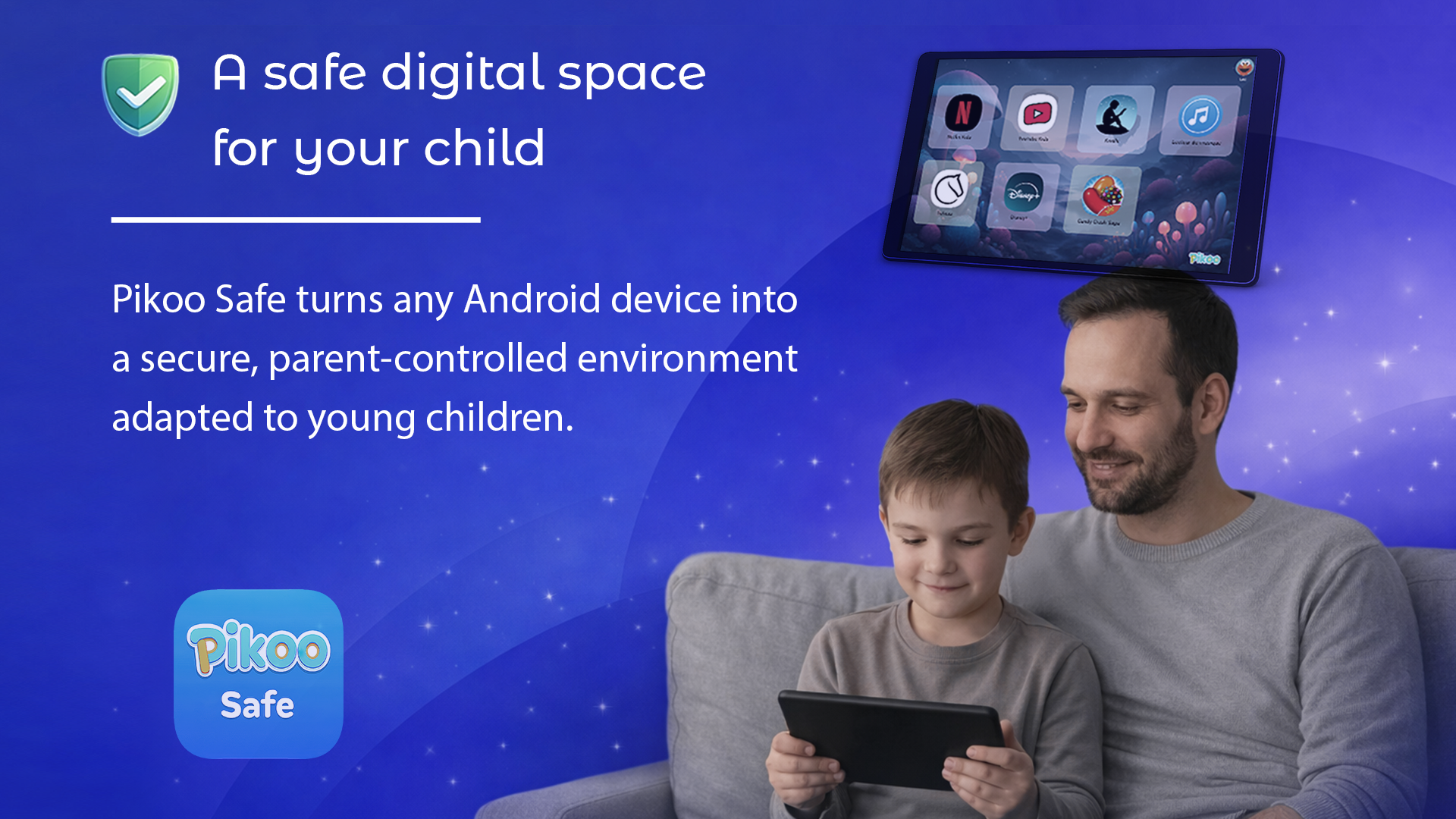
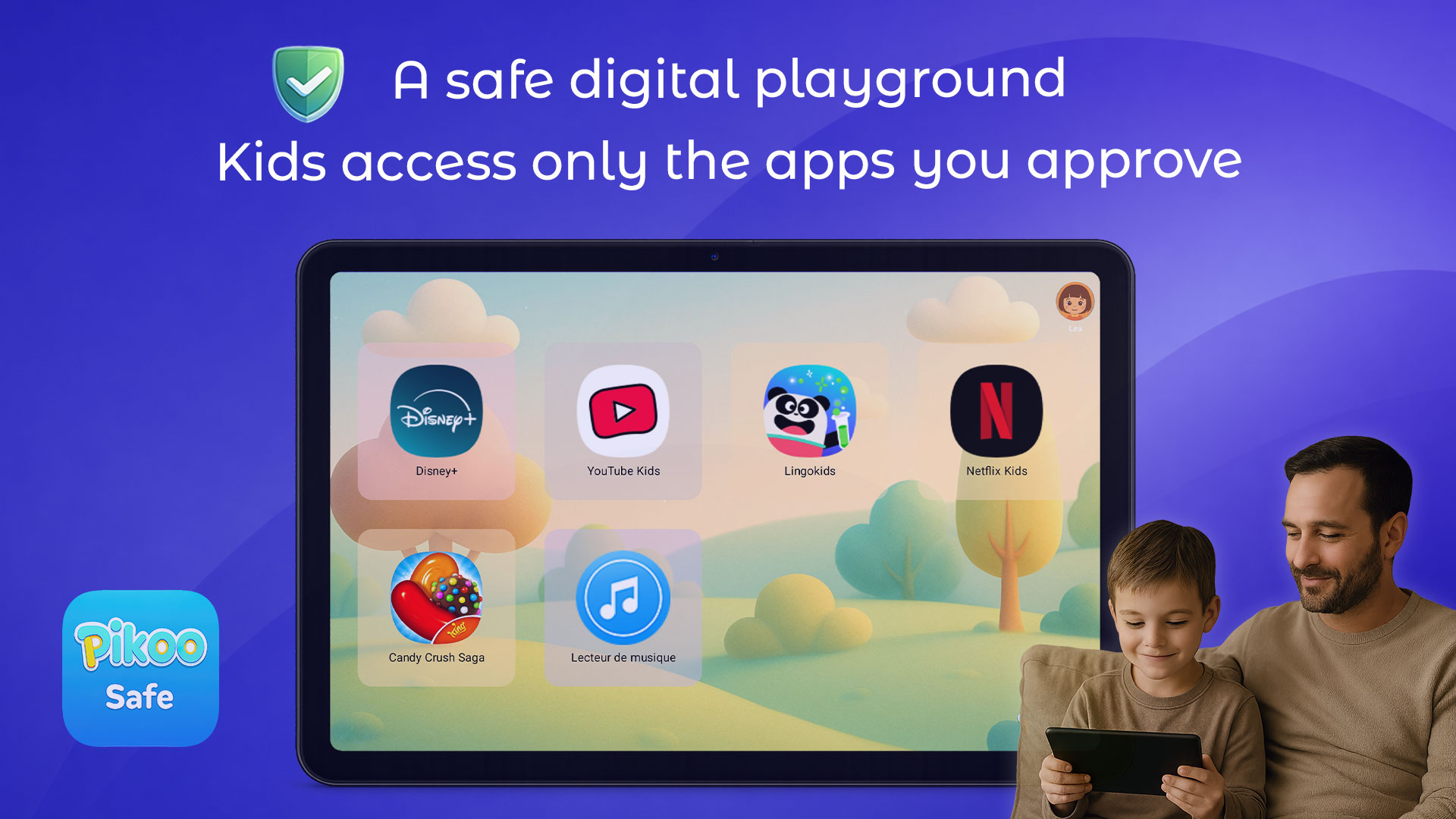
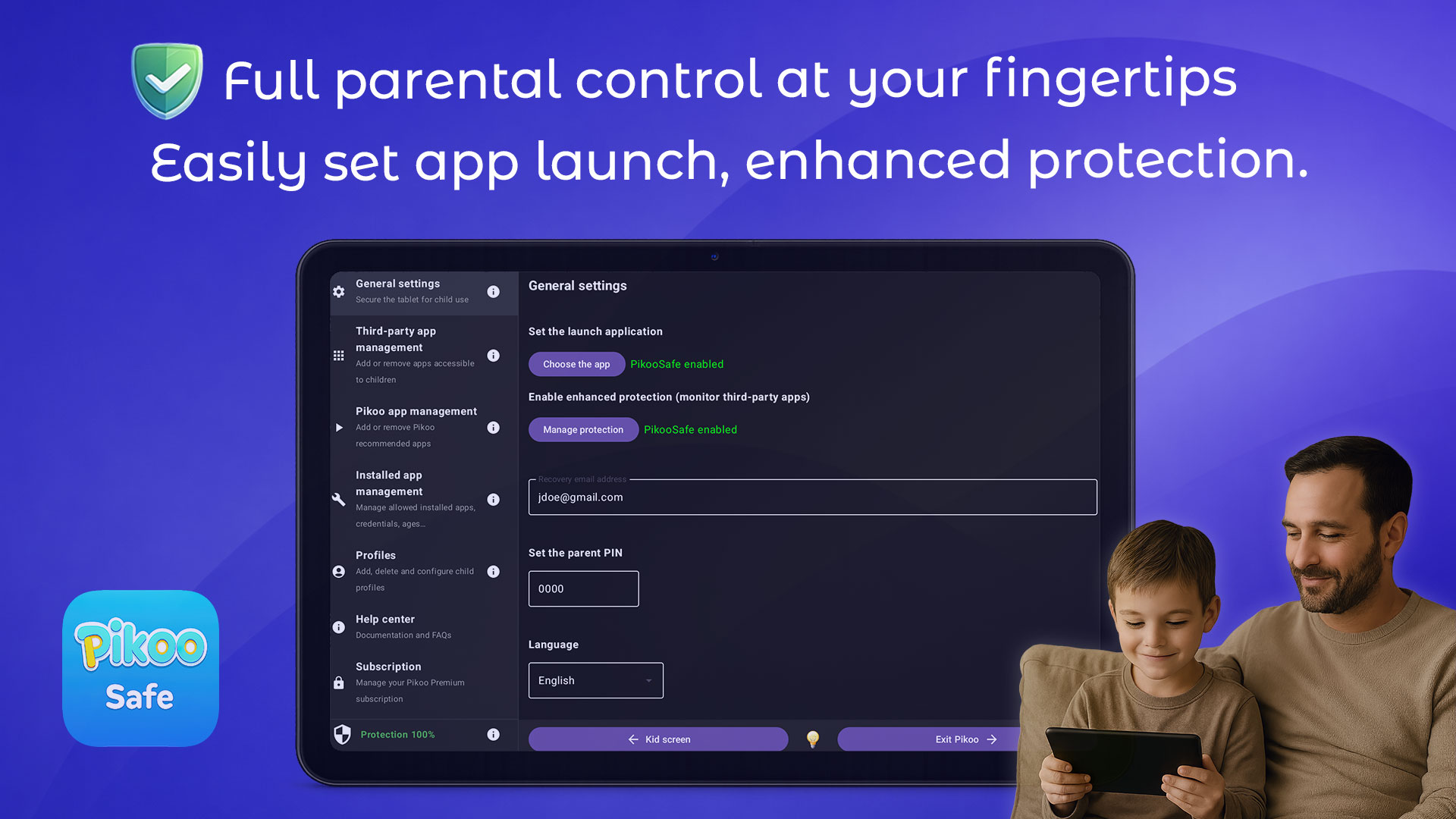
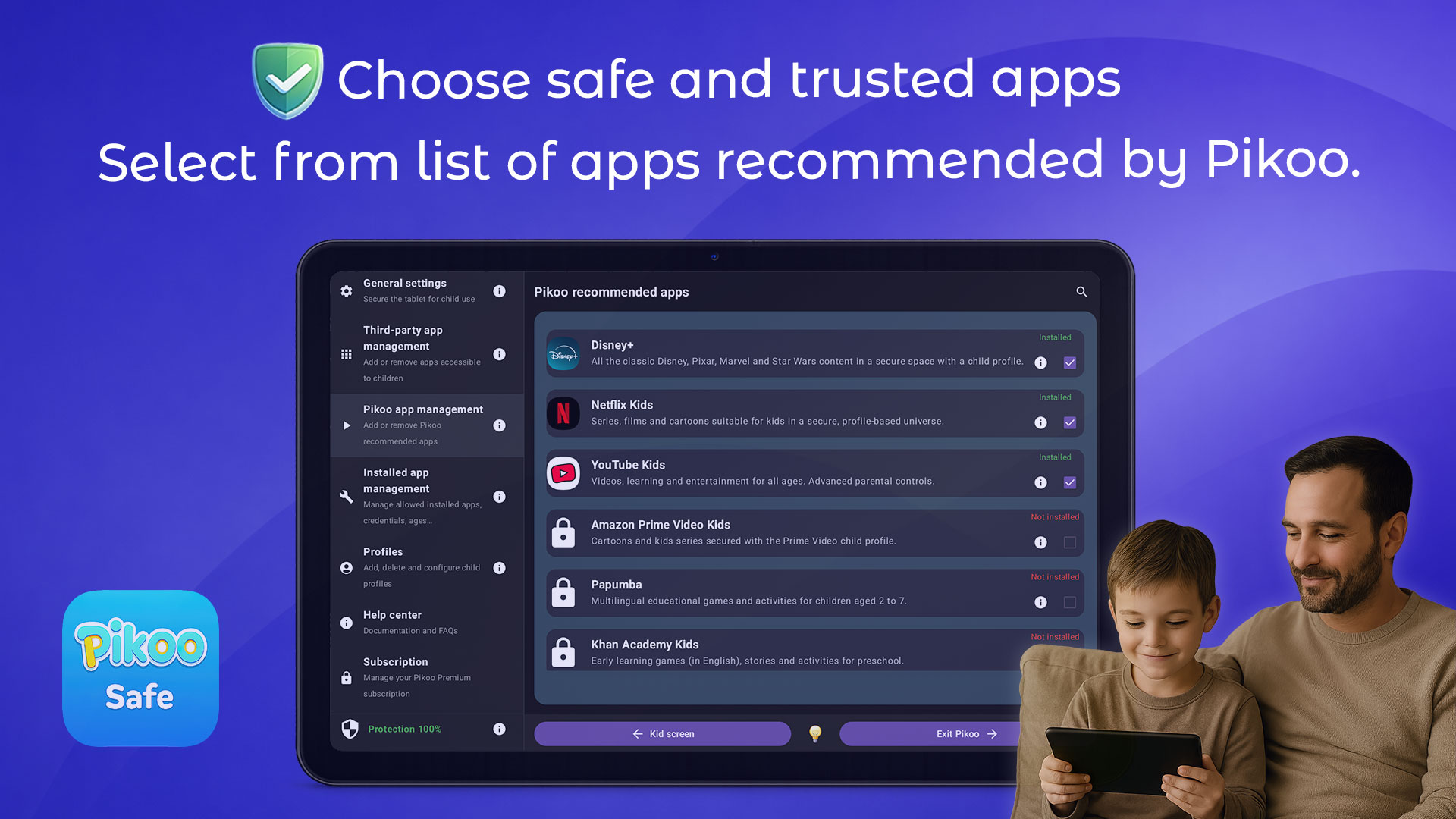
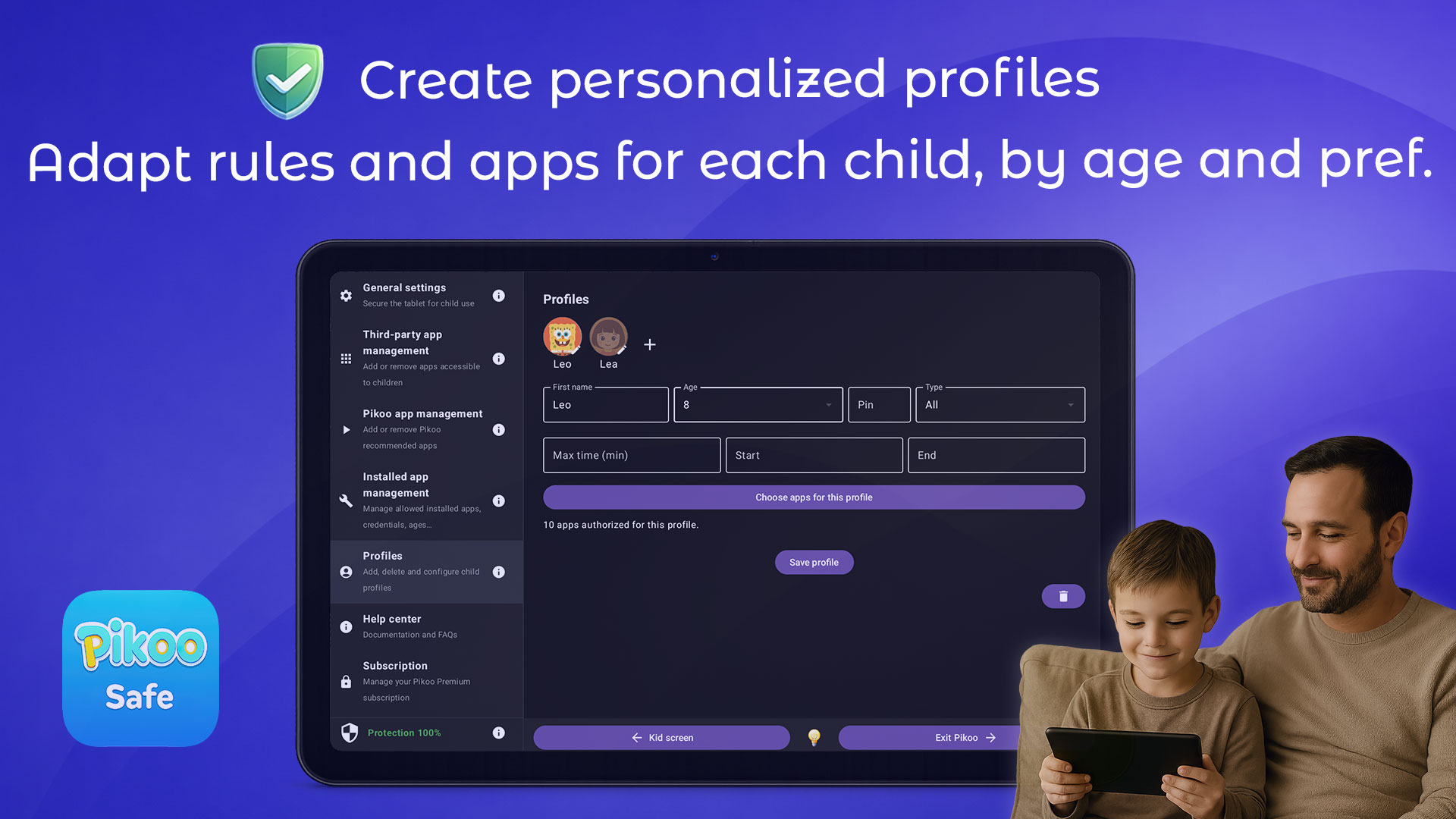
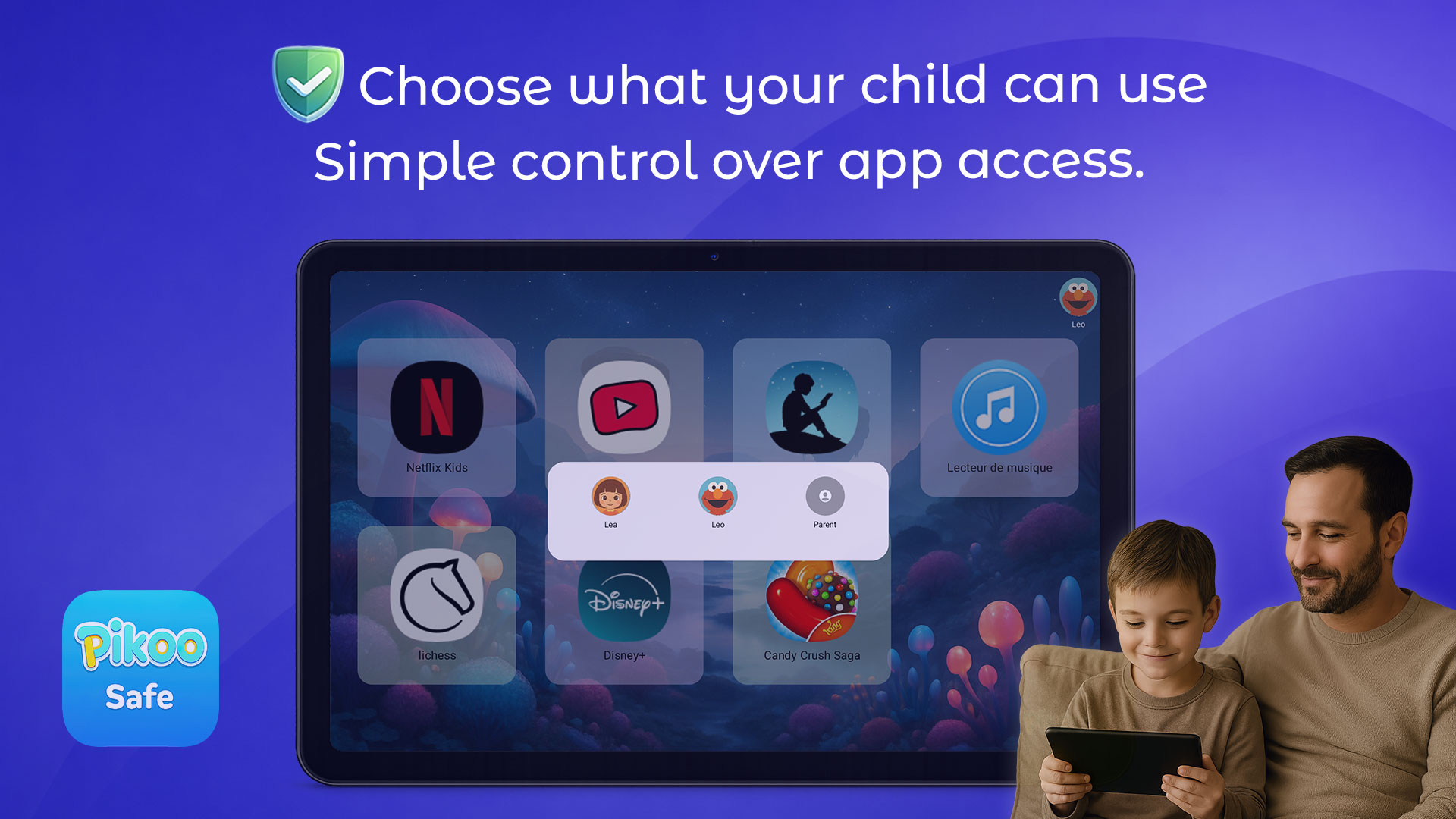
PikooSafe replaces the default Android launcher with a protected environment designed for children.
Once activated, your child can only access the apps you approve, and cannot exit kid mode without the parental PIN.
Additional protection using the accessibility service also ensures that the child will only use applications authorized by the parent.
This transforms any Android device — even an older one — into a dedicated kids’ tablet.
Yes. PikooSafe uses Android’s launcher and accessibility features to prevent children from leaving the protected space.
Home, back, and recent apps buttons are securely blocked so your child stays inside the apps you selected.
No. Exiting PikooSafe requires entering the parental PIN you set during configuration.
Only the parent can unlock access to the normal Android interface.
No. PikooSafe does not collect unnecessary personal data, browsing information, or activity tracking.
All sensitive settings remain stored locally on your device.
We believe kids’ safety should never involve sacrificing privacy.
Yes. PikooSafe works fully offline once configured.
The protected mode and app restrictions remain active even without an internet connection.
In most cases, yes.
PikooSafe is designed to run smoothly on a wide range of Android tablets and smartphones, including older or refurbished devices.
A lightweight design ensures good performance on modest hardware.
Yes. When you install PikooSafe, you automatically receive a free 60-day trial — no credit card required.
This allows you to test all features and set up your child’s environment before deciding on a subscription or lifetime license.
The parental PIN is required to exit kid mode, modify settings, or manage allowed apps.
It ensures that only adults can unlock the full Android interface.
For security reasons, parents should choose a PIN that children cannot guess and keep it confidential.